Modern SaaS teams already use React Hooks, but the gap between decent and excellent usage keeps widening. When hooks scatter across components without structure, every new feature drags old decisions along. Delivery slows, bugs hide in effects, and refactors feel risky.
The fix is not more hooks. The fix is deliberate hook design tied to product goals. React Hooks are functions that let function components handle state, side effects, context, refs, and performance tuning without classes. This article walks through how to use them well in 2026, with a focus on maintainable SaaS code.
I will cover the core hooks that matter in production, how to shape custom hooks around business logic, the rules that prevent subtle bugs, and a safe adoption plan. Along the way, I will share how I, Ahmed Hasnain, apply this on real Laravel- and Python-backed products. Let us get into the details.
"Hooks let you use state and other React features without writing a class."
— React Docs
Key Takeaways
Good React Hooks are not just correct; they line up with user workflows and metrics. When hooks follow product behavior, refactors stay cheap and on-call time goes down.
Custom hooks give SaaS teams a real edge by centralizing business logic in testable units. Components stay focused on layout while hooks own data access, validation, and feature rules.
Performance hooks such as useMemo, useCallback, and useTransition often get misused, yet they are key for large tables, analytics views, and live dashboards. Careful use protects both CPU and user patience.
AI assistants like ChatGPT and Claude speed up debugging hook issues, especially dependency arrays and stale closures. With solid review discipline, they shorten feedback loops without lowering code quality.
Full stack awareness, which I use on projects at Replug and Care Soft, leads to better data fetching hooks. You design around real API behavior, not guesses, so loading and error paths feel stable to users.
What Are React Hooks And Why They Still Matter In 2026

React Hooks are functions that give React function components access to state, lifecycle-style behavior, context, refs, and performance tools without class syntax. React introduced them as a stable feature in version 16.8, and the official React Docs now treat them as the default way to build new components.
In 2026, hooks are table stakes, not a special trick. Almost every modern React codebase on GitHub relies on them, from small Next.js apps to giant products at Meta. According to the recent Stack Overflow developer survey, React still sits near the top of the most used web frameworks, which means hook-shaped thinking dominates daily front-end work.
So what separates strong teams now? It is the discipline behind hook design. Low quality hooks mix concerns, hide side effects, and couple components to backend quirks. High quality hooks describe a clear behavior, expose a small API, and stay close to product language such as campaign, subscription, or appointment.
As a product-facing full stack developer, I care less about whether a team uses React Hooks and more about how well those hooks express business rules. When I join a SaaS team, I read their hooks to see how they think about users, data, and flows. Clean, predictable hooks are almost always a sign of a healthy delivery culture.
"Hooks let you reuse stateful logic without changing your component hierarchy."
— React Docs
The Core Hooks Every SaaS Team Should Master
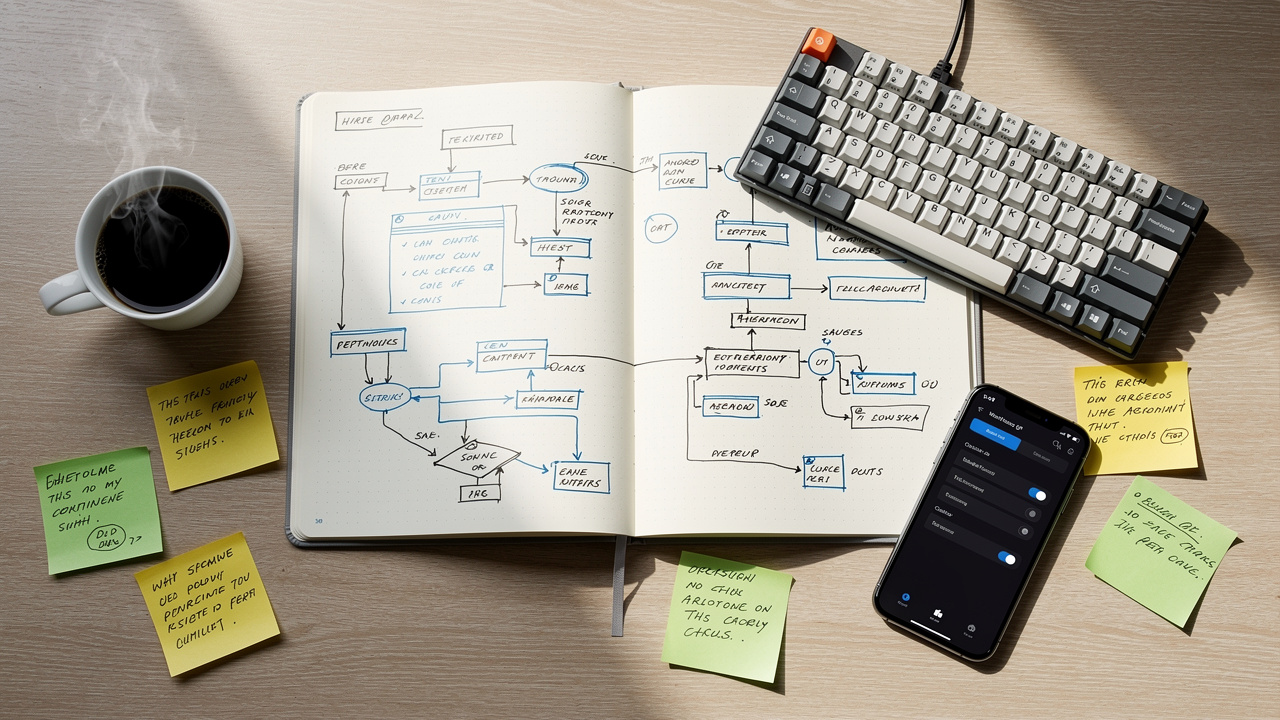
The core React hooks fall into three groups that matter most in SaaS products:
- State hooks manage local data inside a component.
- Effect hooks connect your UI to external systems.
- Performance hooks keep heavy views responsive as data grows.
When these three groups stay tidy, features move faster.
State hooks start with useState, which works well for simple UI flags such as modals, dropdowns, and pagination. In a multivendor ecommerce project at The Right Software, I used useState to track filter values and active tabs per widget, while leaving the heavy data to server state tools like React Query. For more complex flows, useReducer shines — for example, a multi-step onboarding flow where actions need clear names and predictable transitions.
Effect hooks center on useEffect. In a hospital management module for Care Soft, I used useEffect only to subscribe to WebSocket updates, browser events, and analytics. Layout-sensitive work such as measuring element size or scroll offsets used useLayoutEffect, which runs before the browser paints, so the user never saw layout jumps. As the React team explains in the React Docs, useEffect belongs around external systems, not as a glue layer for local state.
Performance hooks become important once a view grows beyond a few dozen items. At Replug, which tracks link and QR campaign stats, I used useMemo to pre-compute filtered rows for reports and useCallback for stable event handlers passed into memoized child components. For heavy filters on long lists, useTransition and useDeferredValue helped keep typing smooth while charts and tables caught up. Tools like TanStack Query and SWR also pair nicely with these hooks by handling caching and refetching.
Here is a simple summary that mirrors how I think about them in production:
| Hook Group | Example Hooks | Typical SaaS Use Case |
|---|
| State | useState, useReducer | Wizard flows, form data, feature flags |
| Effects | useEffect, useLayoutEffect | API calls, subscriptions, DOM measurement |
| Performance | useMemo, useCallback, useTransition | Analytics tables, charts, live filters |
When To Reach For useEffect — And When Not To
useEffect should connect your React component to something outside React, such as an HTTP API, WebSocket, browser storage, or analytics service. It runs after render, so it suits synchronization, not low-level data plumbing between pieces of React state.
The most common misuse I see in client code is an effect that listens to one state value and sets another one. That pattern often points to missing derived state, or a job that belongs in an event handler or in a data fetching library like React Query or SWR.
If your useEffect watches React state only to update more React state, you likely have a derived state problem, not an effect problem.
— Ahmed Hasnain
Think of useEffect as a bridge between React and tools such as Axios, Firebase, or Stripe, not as a general hammer. When teams follow that mental rule, bugs and race conditions shrink fast.
Custom Hooks: The Most Useful Pattern For Production React

Custom hooks are plain JavaScript functions whose names start with use and that call other hooks inside, a pattern supported by recent React Hooks research examining scalable component design in modern SaaS applications. They package reusable behavior such as data fetching, auth checks, or scroll tracking into one tidy place. The key detail is that custom hooks share logic, not state, so two components that call useAuth get separate state, even though they run the same logic.
For SaaS products, this pattern gives huge payoff. A useSubscription hook can contain the full story around plan status, grace periods, and limits. A data fetching hook can wrap TanStack Query or SWR, add product-specific defaults, and expose just what components need. According to the React Docs, this style keeps component trees simple and encourages reuse.
Write custom hooks whenever you catch yourself copying the same stateful logic between components.
— Ahmed Hasnain
On Replug, I worked with a useCampaignStats hook that wrapped pagination, filters, error handling, and loading indicators. The JSX for charts and tables stayed short, while the hook encoded all the rules the growth team cared about. At Care Soft, I used a usePatientForm hook that handled validation, dirty flags, and submission state in one place. That kept sensitive healthcare flows easy to reason about.
High-value patterns I often recommend look like this:
useFetch or a wrapper around React Query, which standardizes error toasts, retry rules, and cache keys. This keeps networking logic aligned across Laravel, Python, or Node backends and reduces one-off behavior.
useForm, where validation, touched fields, and submit handling live. Components then read simple props such as field value and error message, so designers and engineers can revise layouts without untangling business rules.
Utility hooks such as useDebounce, useLocalStorage, and useWindowSize, which isolate common browser behavior. When hooked to product-specific names, these small utilities combine into clear user experiences.
AI tools like ChatGPT, Claude, and GitHub Copilot help me sketch and refine these hooks quickly. I still own the behavior and test cases, but AI shortens the time from product idea to stable hook.
Three Rules Of Hooks — And The Production Mistakes That Break Them
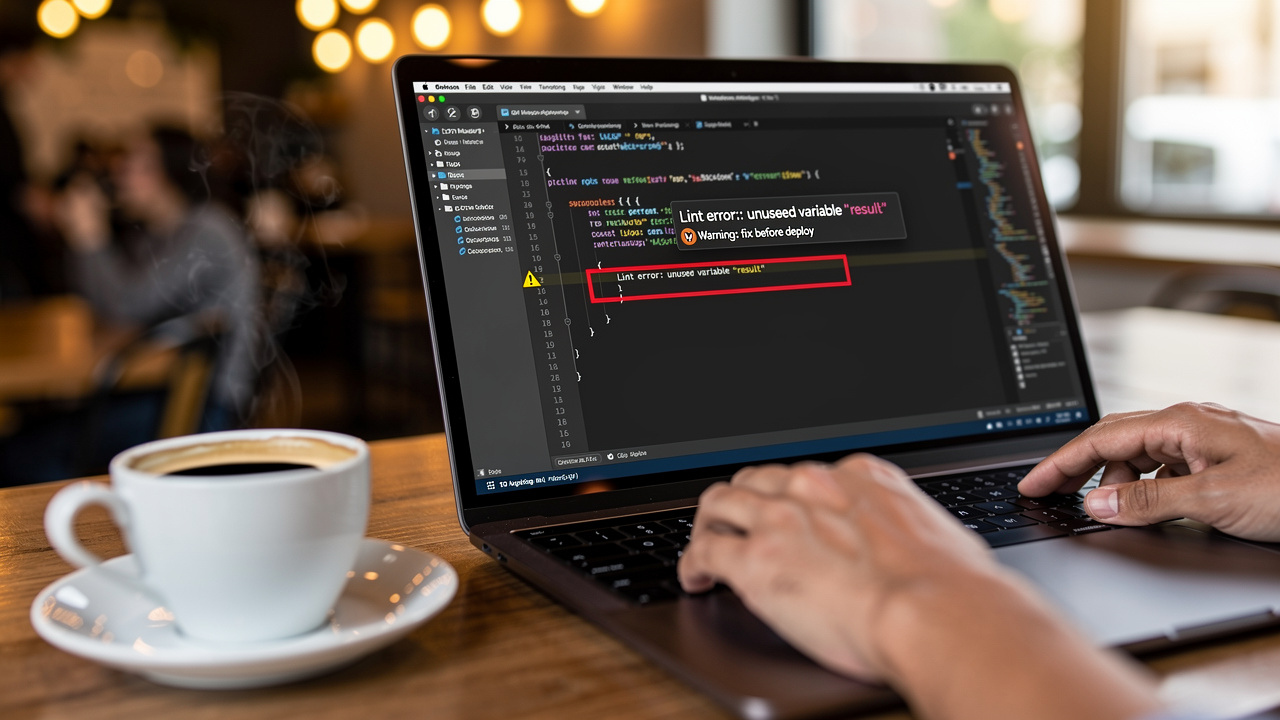
The three rules of hooks exist to keep React state tracking predictable across renders. They sound simple, yet breaking them causes strange bugs, especially in large SaaS codebases. The official React Docs describe these rules in detail, and I treat them as hard limits on every project.
The rules look like this:
Only call hooks from React function components or from other custom hooks. Regular helper functions should receive data through parameters, not through hooks, because React cannot track their order.
Only call hooks at the top level of a component, never inside loops, conditionals, or nested functions. React relies on the call order to match internal state slots, and changing that order between renders leads to corrupted state.
Do not make hooks conditional. If behavior depends on a condition, move the branching logic inside the hook or handle it with early returns around JSX instead. That pattern keeps the hook call sequence stable.
Tip: Add eslint-plugin-react-hooks to your CI pipeline so broken rules never reach your main branch.
— Ahmed Hasnain
When teams ignore rule two, they often ship bugs where a certain user path flips state between components. I have seen this on ecommerce carts and admin dashboards where hooks inside if blocks only ran for some roles. Tools such as eslint-plugin-react-hooks, available on npm, catch this kind of mistake early and stop it from hitting production.
Even when the rules stay intact, two patterns still trip up experienced React engineers, as explored in UI tool robustness studies examining how design decisions affect interface stability and developer experience:
- Stale closures appear when an effect uses state that is missing from its dependency list, so it reads old values during later renders.
- Unstable callbacks appear when a component passes inline functions into child components that rely on reference equality, which causes extra renders.
In my AI-assisted workflow, I often paste the suspect hook into ChatGPT or Claude, ask for a reasoning pass on dependencies, then review the response against my own mental model. That mix of tools and judgment saves a lot of time.
How To Adopt React Hooks Incrementally Without Disrupting Delivery

Adopting React Hooks across a real product does not need a huge rewrite. The safest path keeps working class components in place while new development uses hooks by default, with clear team guardrails. I have used this approach with SaaS teams running Laravel APIs, Python microservices, and Next.js frontends hosted on Vercel.
A simple plan looks like this:
Start with new screens and features instead of refactoring old ones. When a new dashboard or form appears on the roadmap, build it with function components and hooks from day one, while leaving stable class code alone.
Build team fluency slowly, especially around useEffect. Run small internal reviews where seniors explain why an effect exists, what its dependencies mean, and whether it really needs to be an effect at all. This practice grows intuition without blocking delivery.
Set up eslint-plugin-react-hooks and a shared tsconfig or jsconfig early. Static checks in editors like VS Code or WebStorm prevent rule violations and many stale closure cases before they reach pull requests, which keeps review time focused on product details.
Extract custom hooks once a pattern appears at least three times. For example, if three pages need the same pagination and filter logic against a Laravel API, pull that into a usePaginatedResource hook and write tests for it. This step is where my full stack view as Ahmed Hasnain helps, because I align the hook behavior with how the backend times out, paginates, and returns errors.
This kind of gradual plan lets founders and CTOs modernize their React surface while still shipping features to customers every sprint.
Final Thoughts: Build React Hooks That Actually Ship
By 2026, React Hooks are everywhere, so the question is no longer whether your team uses them. The real question is whether those hooks express clear product behavior, avoid hidden side effects, and stay readable for the next engineer who joins. Good hooks shorten time to ship instead of stretching it.
The path is straightforward. Learn the core hooks with production scenarios in mind, lean on custom hooks to centralize business rules, and keep the rules of hooks backed by lint rules and review habits. Tools such as React Query, SWR, and TanStack Query give strong building blocks, and AI assistants help debug, but sound judgment still wins.
If your SaaS team needs someone who treats hooks as part of product design, not just syntax, I, Ahmed Hasnain, can help as a full stack partner. I bring React, Laravel, and Python together so your frontend hooks and backend behavior move in step.
Frequently Asked Questions
Question: What is the difference between useEffect and useLayoutEffect?
Answer: useEffect runs after the browser paints, so it suits data fetching and subscriptions that do not affect layout. useLayoutEffect runs before the paint, which lets you read or adjust DOM measurements without visual flicker, so use it sparingly for layout reads and writes.
Question: When should I use useReducer instead of useState?
Answer: Use useReducer when state updates follow clear events and involve several related fields. Examples include multi-step onboarding flows, complex forms, or dashboards where actions such as add, update, and reset need clear names and predictable transitions for easier debugging.
Question: Can React Hooks replace Redux?
Answer: For many small and mid-sized SaaS products, context plus hooks such as useReducer and data libraries like TanStack Query cover global needs. Redux still helps very large apps that need features such as time travel debugging, strict action logs, or long-term investment in its tooling and community, so the choice depends on scale.
Question: What causes stale closures in useEffect and how do I fix them?
Answer: Stale closures happen when an effect uses a variable that is missing from its dependency list, so later renders still see the old value. Fix this by listing every state or prop used inside the effect as a dependency, and let eslint-plugin-react-hooks highlight cases you miss during review.
Question: Should I use React Query or SWR instead of useEffect for data fetching?
Answer: For production SaaS apps, React Query and SWR usually give better data handling than raw useEffect. They manage caching, retries, background refetching, and error states in a consistent way, which reduces boilerplate and keeps components focused on layouts instead of low-level networking concerns.