Picking the wrong mobile framework can cost you months of rebuild time and a budget you didn't plan to spend twice. For React developers eyeing mobile, the decision often comes down to one question: can my existing skills carry over, or do I need to start from zero?
That uncertainty causes real delays. Teams burn weeks debating Swift versus Kotlin versus something else, while competitors ship. The good news is that React for mobile development doesn't require abandoning what you already know.
React Native lets you reuse React concepts (components, hooks, state) to build real iOS and Android apps from one codebase. This guide covers how React Native works, where it shines, where native development still wins, and how to decide between them. I'm Ahmed Hasnain, a full-stack developer who's built production features on marketing SaaS platforms using React and related tools.
Stick with me and you'll walk away with a clear framework for your next mobile project.
Key Takeaways
- React Native lets React developers reuse their existing skills to build iOS and Android apps from a single codebase, cutting both development time and cost.
- It's cost-effective and fast to ship, but it has performance limits in graphics-heavy or CPU-intensive apps like games and augmented reality tools.
- Native development still wins for complex, hardware-intensive, or performance-critical applications that need direct platform access.
- Tools like Expo simplify the React Native learning curve by handling native configuration automatically.
- The right choice depends on your budget, your timeline, and how complex your app actually needs to be.
What Is React Native and How Does It Work for Mobile Apps?
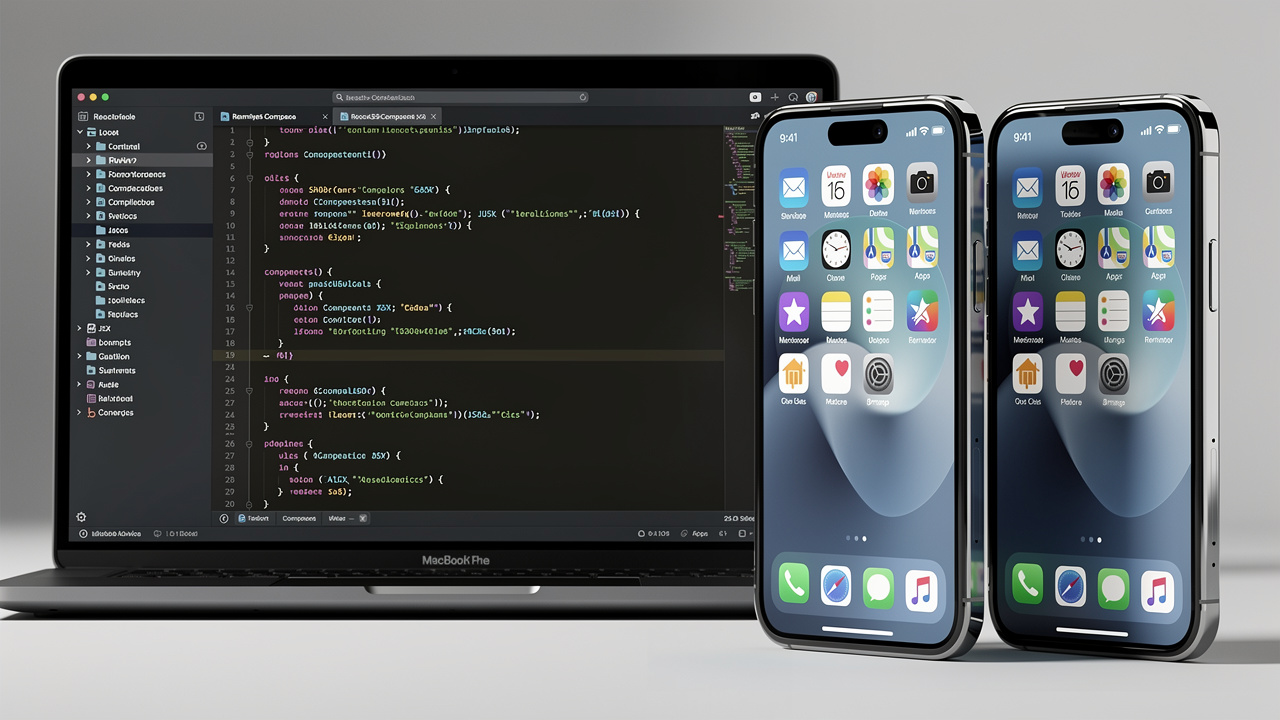
React Native is a framework that lets developers build real iOS and Android apps using JavaScript and the same component-based thinking that powers React on the web. Instead of writing separate code for each platform, you write one codebase that runs natively on both, which is the core promise behind React for mobile development today.
The technical difference comes down to rendering. Web-based React draws components to the browser's DOM, using elements like <div> and <button>, a process explained in official guidance on how to build a React app from scratch, while React Native skips the browser entirely and renders to actual native mobile components, so your app behaves and feels like a real iOS or Android application rather than a website wrapped in an app shell.
Why Should React Developers Choose React Native for Mobile Development?
React Native earns its place as the default mobile path for React developers because it protects your existing investment in JavaScript while opening up two platforms at once. You keep the component patterns, state management habits, and debugging instincts you've already built, and you apply them to a framework with a large, active community and genuinely adequate performance for most business apps. That combination of familiarity, speed, and community support is why so many startups and agencies default to it instead of hiring two separate native teams.
Cross-Platform Efficiency and Cost Savings
Writing one codebase that runs on both iOS and Android removes the duplicate work that native development demands. You don't need a Swift specialist and a Kotlin specialist on payroll just to ship the same feature twice. That single detail changes the math for small teams and agencies managing multiple client projects at once.
Fewer specialized hires mean lower payroll costs and a smaller hiring headache. For startups and small businesses racing toward launch, this translates directly into faster time to market, since there's no second development cycle waiting in line behind the first.
Hot Reloading and Community Resources

Hot reloading shows code changes in the running app almost instantly, without waiting through a full recompile. That tight feedback loop speeds up everyday debugging and experimentation considerably. Add in React Native's large developer community, and you get ready-made libraries plus fast answers when something breaks.
Is React Native Performance Good Enough for My App
For most apps, yes, React Native performance is more than sufficient. Standard business apps, e-commerce storefronts, and social platforms all run smoothly, since they don't push hardware limits. The one caveat is CPU-heavy work, where the performance optimization techniques that connects your code to native components adds a small amount of overhead.
What Are the Limitations of React Native?
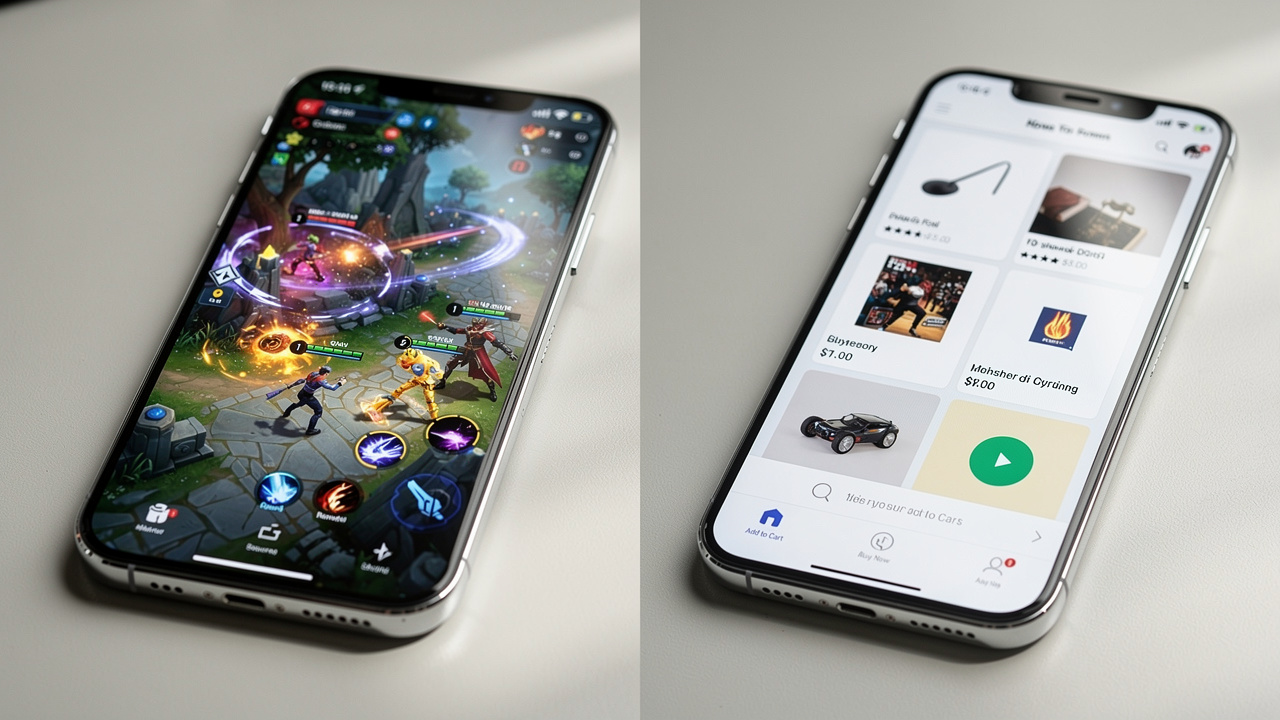
React Native isn't the right fit for every mobile project, and knowing its limits saves you from a painful mid-project pivot. The framework can hit performance walls in resource-intensive scenarios like complex graphics rendering, intricate animations, or real-time data processing, because the JavaScript bridge introduces slight lag compared to code that runs directly on the device, a tradeoff examined in research on native module architecture and hybrid app performance. It also doesn't yet expose every cutting-edge native API out of the box, so if your app needs a brand-new platform feature, you may need a custom native module written in Swift, Kotlin, or Java. On top of that, React Native's UI flexibility is strong but not unlimited, and highly specialized platform animations sometimes require extra native work to feel fully polished.
When Native Development Makes More Sense
Gaming apps, augmented reality experiences, and video editing tools typically need direct hardware access that native code handles better. These categories push CPU and GPU limits in ways React Native wasn't built to optimize. If your roadmap includes features like that, budget for native development or a hybrid approach with custom modules from the start.
How Do I Choose Between React Native and Native Development?

Choosing between React Native and native development comes down to weighing three things against each other: your project's complexity, your budget, and how fast you need to launch. Simple to mid-complexity apps, like content tools, bio-link pages, or standard e-commerce storefronts, rarely need anything beyond what React Native already delivers well.
For most startups, agencies, and small teams, React Native is the sensible default because it ships faster and costs less to maintain. Complex apps with heavy graphics, advanced hardware integration, or extreme performance demands are where native development earns its higher price tag. A few quick questions can point you toward the right answer:
- Does my app need camera, GPS, or sensor access beyond what standard libraries already support, or is it fairly conventional in its hardware needs?
- Is my team already comfortable with JavaScript and React, or would we be starting from scratch either way regardless of platform choice?
- Can my launch timeline tolerate the longer build cycle that two separate native codebases typically require?
- Will graphics, animation, or real-time processing be central to the user experience, or are they a minor part of the app?
Building Real SaaS Products With React: My Approach

Building real SaaS products with React means treating every feature as a product decision first and a technical one second. In my work as a full-stack developer with five-plus years shipping production software, I've applied React, Vue, Next.js, and Laravel across marketing SaaS platforms, healthcare software, and multivendor e-commerce systems, carrying the same product-first mindset into each build.
That means connecting backend logic to UI polish without losing sight of what the user actually needs from a given screen or workflow. I also lean on a disciplined AI-assisted workflow using tools like Claude, Codex, and ChatGPT to speed up research and debugging, while keeping the judgment calls on architecture and user experience firmly in human hands.
The Takeaway
React Native remains the fastest, most practical route for React developers moving into mobile, because it protects your existing skills while opening up both iOS and Android from a single codebase. The framework handles the vast majority of business apps, e-commerce stores, and content platforms without breaking a sweat, and tools like Expo make the setup process even smoother for beginners.
Just remember to match your framework choice to your app's actual complexity rather than habit or convenience. If your project leans toward gaming, augmented reality, or heavy hardware integration, native development is worth the extra investment. For everything else, start with Expo, prototype fast, and bring in an experienced full-stack developer like Ahmed Hasnain when you need a steady hand to take a feature from backend logic to a polished, shippable screen.
Frequently Asked Questions
Can I convert my React web app into a mobile app?
Not directly. React web code doesn't run inside React Native as-is, since web components render to the browser DOM while mobile components render natively, a distinction covered in the React Native fundamentals documentation for developers transitioning from web to mobile. That said, your business logic, state management patterns, and overall app structure transfer over conceptually, even though the UI layer needs to be rebuilt for mobile.
Do I need to learn Swift or Kotlin to use React Native?
No, most React Native development happens entirely in JavaScript or TypeScript. You'd only need Swift, Kotlin, or Java if your app requires a custom native module to access a specialized API that React Native doesn't already support out of the box.
What is Expo and why do developers recommend it for beginners?
Expo is a toolset and managed workflow that simplifies React Native setup, removing much of the native configuration beginners usually struggle with. It also supports over-the-air updates, letting you push changes to users without waiting on app store review cycles for every small fix.
How much does it cost to build an app with React Native versus native?
React Native typically costs less because one codebase and one team cover both iOS and Android simultaneously. Native development costs more since it usually requires separate iOS and Android teams, longer timelines, and duplicate testing across both platforms for every feature.
Can React Native apps be published to the App Store and Google Play?
Yes, React Native compiles down to real native binaries, so apps install and run exactly like fully native apps on both platforms. The submission process through the App Store and Google Play works the same way it would for any other native mobile application.
How long does it take to learn React Native if I already know React?
Most core concepts like components, hooks, and state management carry over directly, so you're not starting from scratch. Expect a few weeks to get comfortable with mobile-specific pieces like navigation libraries, device APIs, and platform-specific UI behavior.