Building software that talks to other software is hard when the API underneath is confusing, inconsistent, or fragile. Teams waste hours guessing what an endpoint returns, integrations break without warning, and support tickets pile up because the interface never explained itself clearly. This is exactly why API design principles matter so much for any product team building connected features.
API design principles are the rules and habits that shape how an interface behaves, from naming and structure to error handling and security. In this article, I walk through what makes an API genuinely good, how to build in security and reliability from the start, why documentation shapes the developer experience, and how performance, versioning, and governance decisions affect an API's long-term health. I also share how these ideas show up in my own work building product features for a marketing SaaS platform.
By the end, you will have a practical checklist you can hold up against your own APIs, whether you are shipping a small internal tool or a platform used by thousands of developers.
Key Takeaways
Here is a quick look at what this article covers before we get into the details of each principle.
- Consistency and naming conventions build trust between an API and the people using it, reducing guesswork and support requests.
- Clear documentation shortens integration time and lowers the number of questions developers need to ask before they can build.
- Security has to be built into the design from day one, not added after something goes wrong.
- Performance and scalability choices made early affect how well an API handles growth later.
- Governance and version control keep APIs maintainable as teams and features multiply.
What Makes An API Design Good

Good API design means building an interface that feels intuitive, behaves consistently, and matches how developers actually work rather than how the backend happens to be organized internally, a principle laid out in Google's cloud API design guide, which has shaped how networked APIs are built since 2014. It puts the person consuming the API first, favoring plain, predictable patterns over clever shortcuts that only the original author understands. When an API is simple and consistent, a developer can guess how a new endpoint works based on ones they have already used, which cuts integration time and lowers the number of support questions your team has to answer, a benefit reinforced by a novel NFR-based conceptual quality framework built specifically for evaluating API quality across the industry. This matters for every audience building on top of an API, whether that is a marketing agency wiring up a white-label dashboard or a solo creator connecting a bio link page to an analytics tool.
Consistency And Naming Conventions

Naming and structure need to stay uniform across every endpoint so the API teaches itself as people use it, a finding echoed in developer perspectives on REST API usability, which studied how naming and structural consistency shape real-world adoption. A developer who learns one part of the API should be able to apply that same logic everywhere else without re-reading the documentation each time.
- Use plural nouns for collections, so
/users represents the group and /users/42 represents one record, rather than mixing singular and plural forms across different endpoints.
- Keep response formats, field names, and data types the same across endpoints, so a
created_at field always looks and behaves the same way no matter which resource it belongs to.
- Apply the same HTTP status codes for the same situations everywhere, so a 404 always means "not found" and a 401 always means "not authenticated," letting client apps handle errors with one shared piece of code instead of custom logic for each endpoint.
How Do You Design For Security And Reliability

Designing for security and reliability means treating protection as part of the architecture, not a patch added after launch. Every API needs a clear answer to two questions: who is allowed in, and what are they allowed to do once they are there. Authentication answers the first question, and modern microservices generally use OAuth 2.0 or JSON Web Tokens rather than plain API keys, since tokens can carry permissions, expire on a schedule, and get revoked without forcing every user to change a shared secret. Authorization handles the second question, deciding what an authenticated user or app can actually read, write, or delete, a challenge examined in research on security tactics in microservice APIs, which found that annotated architecture models help developers reason about these decisions more accurately.
Beyond identity, an API needs baseline protections against abuse and data exposure. Rate limiting stops one client from overwhelming shared infrastructure and should communicate limits clearly through response headers so developers can adjust their own request pace. HTTPS should be non-negotiable for every request, encrypting tokens, passwords, and customer data in transit. Input validation on every field closes off a large share of common attacks before they ever reach your database.
Why Does Documentation Make Or Break Developer Experience
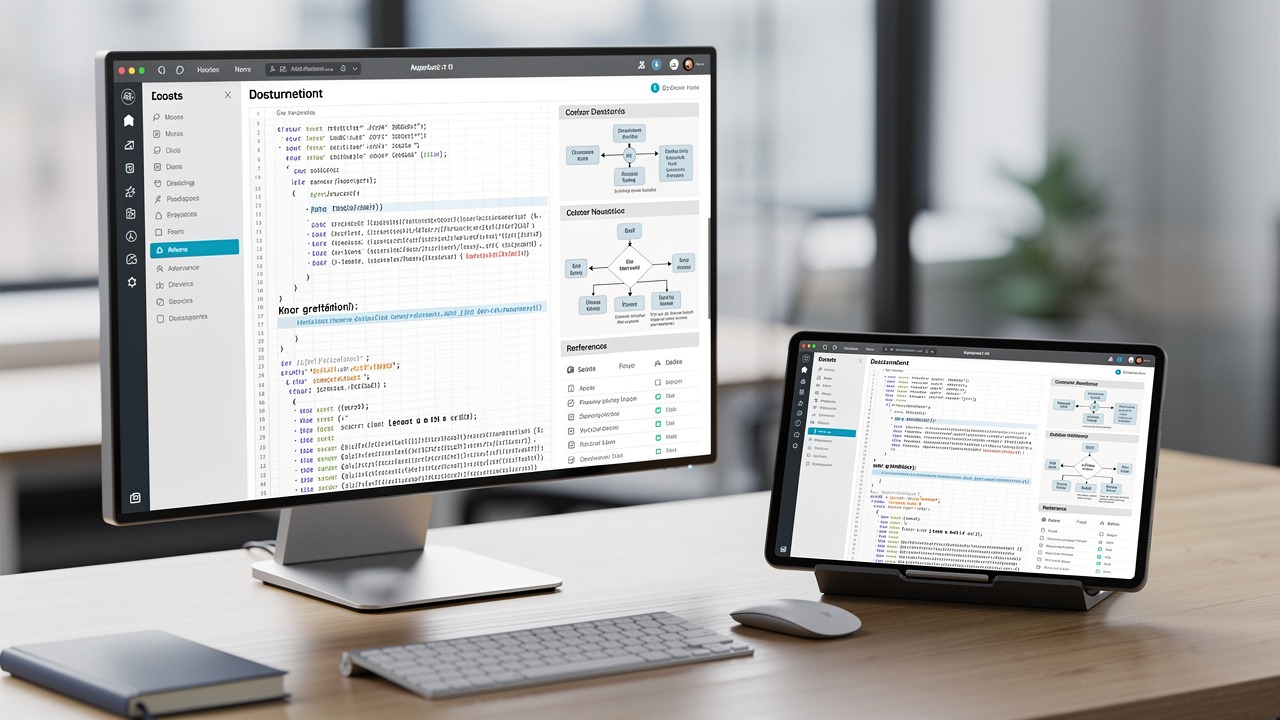
Documentation makes or breaks developer experience because it is usually the very first thing a new user of an API touches, long before they see a single line of your actual code. Good documentation should cover every endpoint, list required and optional parameters, show real example requests and responses, and spell out exactly how authentication works. When that information is missing or outdated, developers start guessing, and guessing leads to bugs, wasted time, and frustrated support threads.
Interactive documentation raises the bar even higher, letting a developer send a real test request from inside the docs page and see an actual response come back. Pairing that with ready-to-use code samples in a few common languages shortens the distance between reading about an API and actually building with it. For agencies managing several client integrations at once, this kind of documentation quality directly reduces the number of onboarding calls their own team has to run.
What Role Does Performance And Scalability Play In API Design

Performance and scalability shape whether an API stays fast and stable as usage grows, or slows to a crawl once real traffic hits it. Small architectural choices made early, like how data gets paginated and cached, decide whether an endpoint returns in milliseconds or drags on for seconds once a dataset grows past a few thousand records. Letting clients select only the fields they need, instead of always returning a full object, also cuts down on wasted bandwidth, which matters a great deal for mobile apps and lightweight integrations.
Stateless design is the other half of this picture, meaning each request carries everything the server needs to process it without depending on stored session data, a pattern detailed in Microsoft's best practices for RESTful web API design for building scalable, loosely coupled services. This lets a platform add more servers behind a load balancer whenever traffic spikes, since any server can handle any request. A few practical techniques worth building in from the start include the following.
- Pagination that limits how many records return per request, so large datasets stay manageable for both the server and the client.
- Cache control headers that tell clients and intermediaries how long a response can be safely reused before it needs to be fetched again.
- Field selection parameters that let a client ask for only the data it actually plans to use on that screen.
How Do You Manage API Versioning And Long-Term Governance
Managing API versioning and long-term governance means giving your API a clear, predictable path for change so existing integrations never break without warning. Semantic versioning, written as major.minor.patch, tells consumers exactly what kind of update just shipped. A major version bump signals a breaking change, a minor update adds something new without breaking anything, and a patch just fixes a bug. Most public APIs place the version number directly in the URL path, since that approach is the easiest for developers to spot and reason about at a glance.
Backward compatibility should stay the default whenever possible, achieved by adding new optional fields rather than changing or removing existing ones, a consideration outlined in Microsoft's service design guidelines for evolving APIs without breaking existing clients. When a breaking change truly cannot be avoided, pair it with a clear deprecation notice and a migration guide, and give existing clients a real runway, often somewhere between 6 and 12 months, before the older version gets shut off completely. This kind of governance keeps trust intact even as the product underneath keeps changing.
Building Real Products My Approach To API-Driven SaaS Features
I'm Ahmed Hasnain, a full-stack developer at D4 Interactive, where I've worked on Replug, a marketing SaaS platform built around branded links, analytics, QR codes, and campaign workflows. Every one of those features depends on an API layer working correctly underneath it, from tracking a single link click to rendering a campaign dashboard in real time, so the principles covered in this article aren't abstract for me, they show up in daily product decisions.
What shapes my approach is a product-first mindset built across different industries, including ecommerce platforms, healthcare software, and marketing SaaS, each with its own data and workflow demands. I also use a structured, AI-assisted process with tools like Claude, Codex, and ChatGPT to speed up research, debugging, and implementation, which helps me ship features that are both fast to deliver and easy to maintain once they're in production under real delivery pressure.
The Takeaway
Good API design comes down to a handful of habits working together: consistent naming, security built in from the start, documentation that actually helps, performance choices that hold up under load, and version control that protects the people already depending on your API. None of these principles work well in isolation, and skipping even one tends to create problems that show up later as slower integrations or frustrated developers.
If you're maintaining an API right now, take an afternoon to audit it against these points and fix what you can gradually rather than all at once. Treat API design as an ongoing discipline that grows with your product, not a task you check off once and forget. Working through this consistently, whether on your own or with a full-stack developer who has shipped these patterns on real SaaS products, pays off every time your API gets used again.
Frequently Asked Questions
What Is The Difference Between API Design And API Development
API design is the planning stage, where you decide on structure, naming, and rules before any code exists. API development is the actual coding work that turns that plan into a working, callable interface.
How Do I Choose Between REST And GraphQL For My API
designing an API fits simple, resource-based operations well, especially when your data maps cleanly to individual objects like users or orders. GraphQL suits apps that need flexible, precise data queries across related resources. Choose based on what your clients actually need, not on which one is trending.
What Are The Most Common API Design Mistakes To Avoid
The most frequent mistakes include inconsistent naming across endpoints, vague error messages that don't explain what went wrong, no versioning strategy at all, and documentation that gets written once and never updated. Each of these small gaps adds up to a much harder integration experience.
How Often Should I Update Or Version My API
Only bump the version number when you introduce a breaking change; use minor, backward-compatible updates for everything else. When a breaking change is unavoidable, give existing clients 6 to 12 months before you retire the older version completely.
Do Small Projects Or Startups Need Formal API Design Principles
Yes, even a software development trends benefits from consistent naming and basic documentation from day one. Skipping these early on tends to create costly rewrites later, once your product and team have grown around the sloppy patterns you started with.
What Tools Can Help Test And Document APIs Effectively
AI tools for debugging let you send requests and check responses without writing custom scripts. Interactive documentation tools let developers try endpoints directly from the docs page. Mock servers are also useful, since they let you test your API's behavior before every dependent system is fully built.